

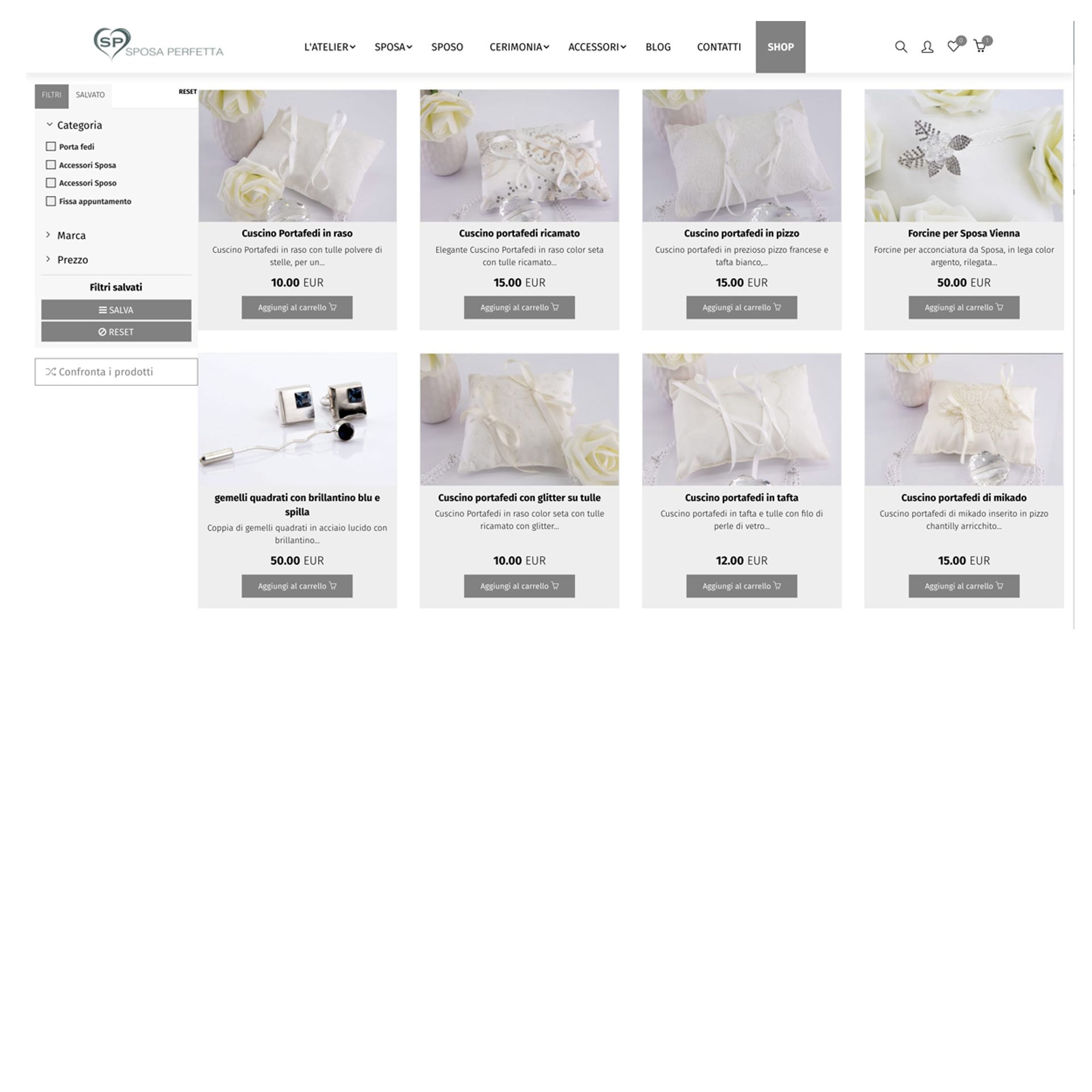
Everyone can shop online, both registered and non-registered users. Products can be added quickly and easily to the shopping cart by clicking on the button “Add to cart”. It is possible to add any quantity of products, even of the same item. The upside-down product label offers faster product information, promotions and product evaluation by users. By clicking on the "Add all upside-down product to cart" button, all products which description label is upside-down will be added to the cart at the same time.
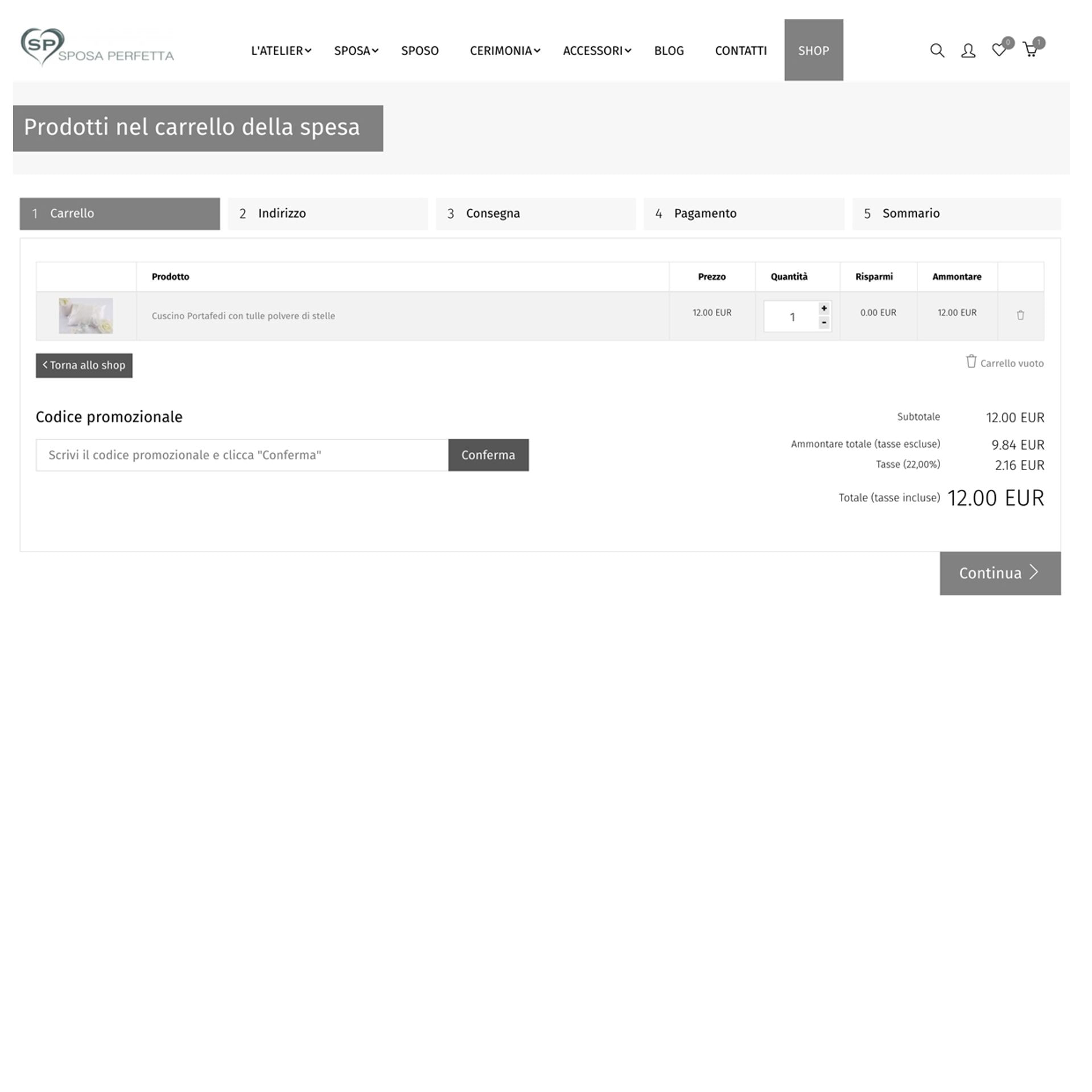
The number shown on the cart icon in the upper right corner indicates the quantity of products added. Moving the mouse over this icon opens a window in which the chosen items are visible. Clicking on "Proceed to checkout" button will it will be possible to insert all needed information for the shipment and the payments. The products can be removed from the cart by clicking the recycle bin icon and the quantity of each item can still be modified, even when it is already in the cart, by means of the "+" and "-" buttons. At this stage, if you have a coupon with a promotional code, you can enter it in its relevant field to enjoy discounts or other benefits.
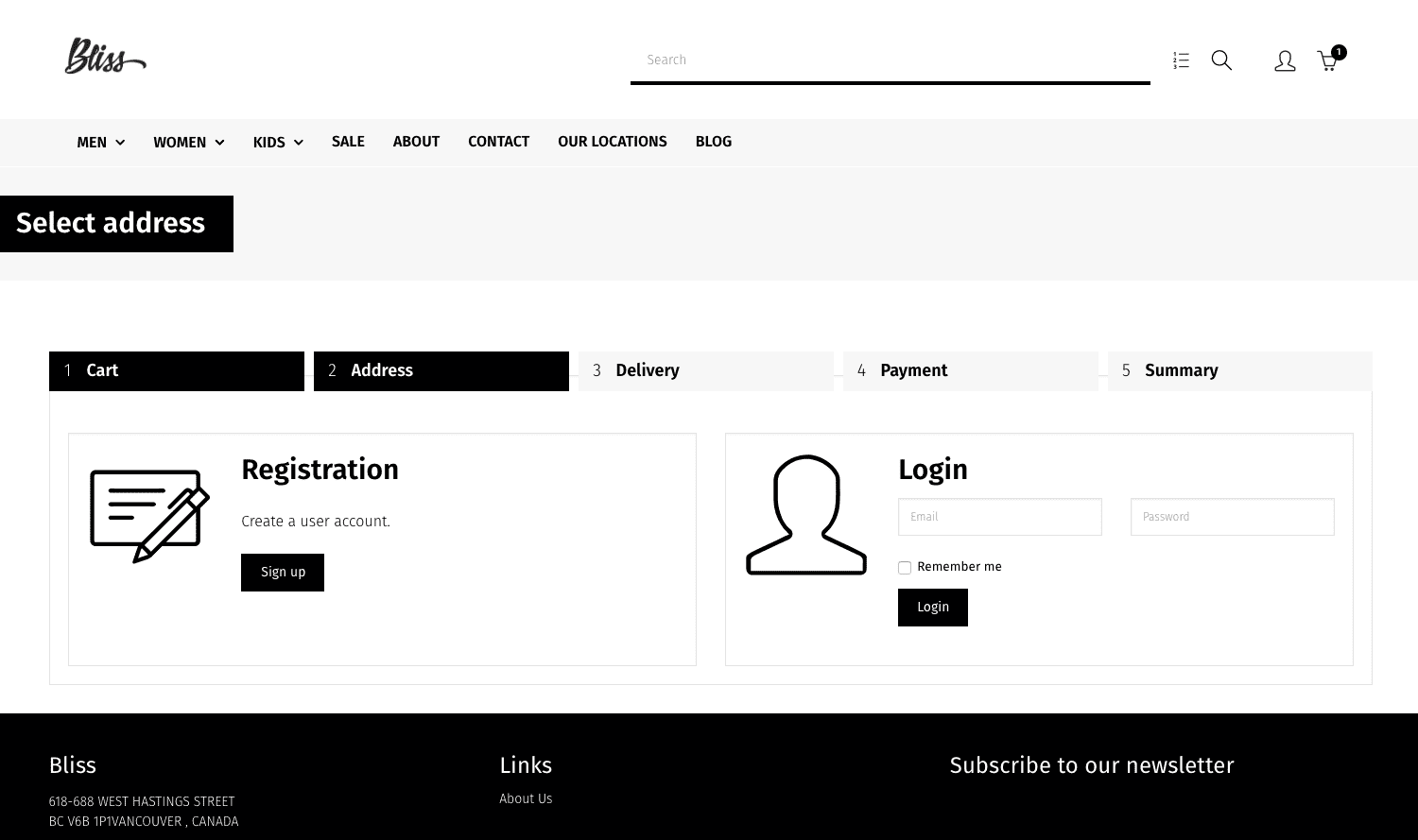
Quick purchase: if you do not want to create a user account, you can only enter the shipping information and make a purchase.
Login - If you are a registered user in our online shop, log in and your delivery address will be the same as you entered when registering.
The place of delivery, if you are a registered user, is the one indicated during registration. It is also possible to add other addresses to which the purchases will be sent.
If, on the other hand, you make a purchase without registration, you will need to indicate the desired address each time.
Furthermore, the products can be collected in person at the Sposa Perfetta shop.
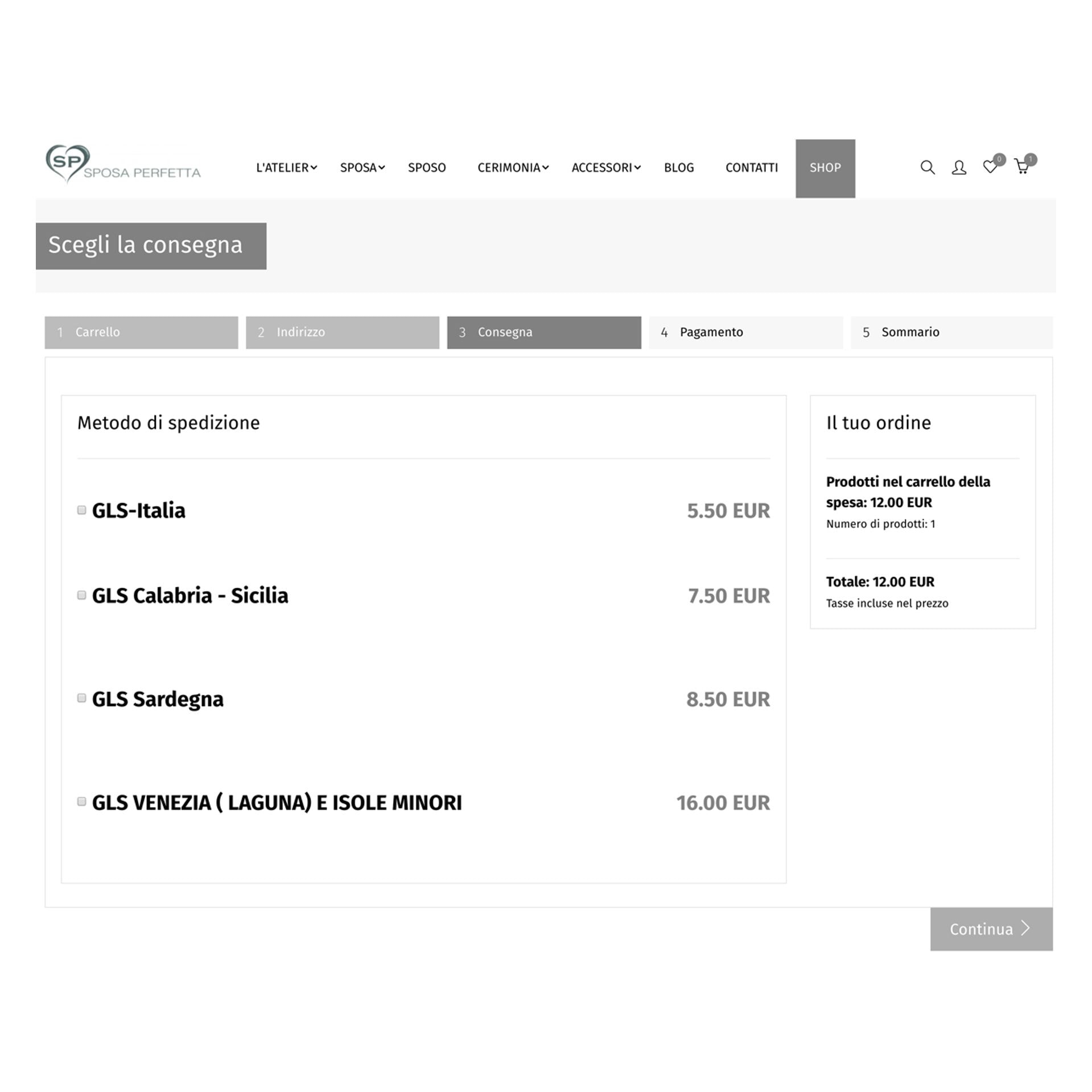
Payments with major credit cards (MasterCard, VISA, AMEX), as well as SEPA, Giropay, Sofort, iDEAL, Alipay and finally PayPal are accepted.
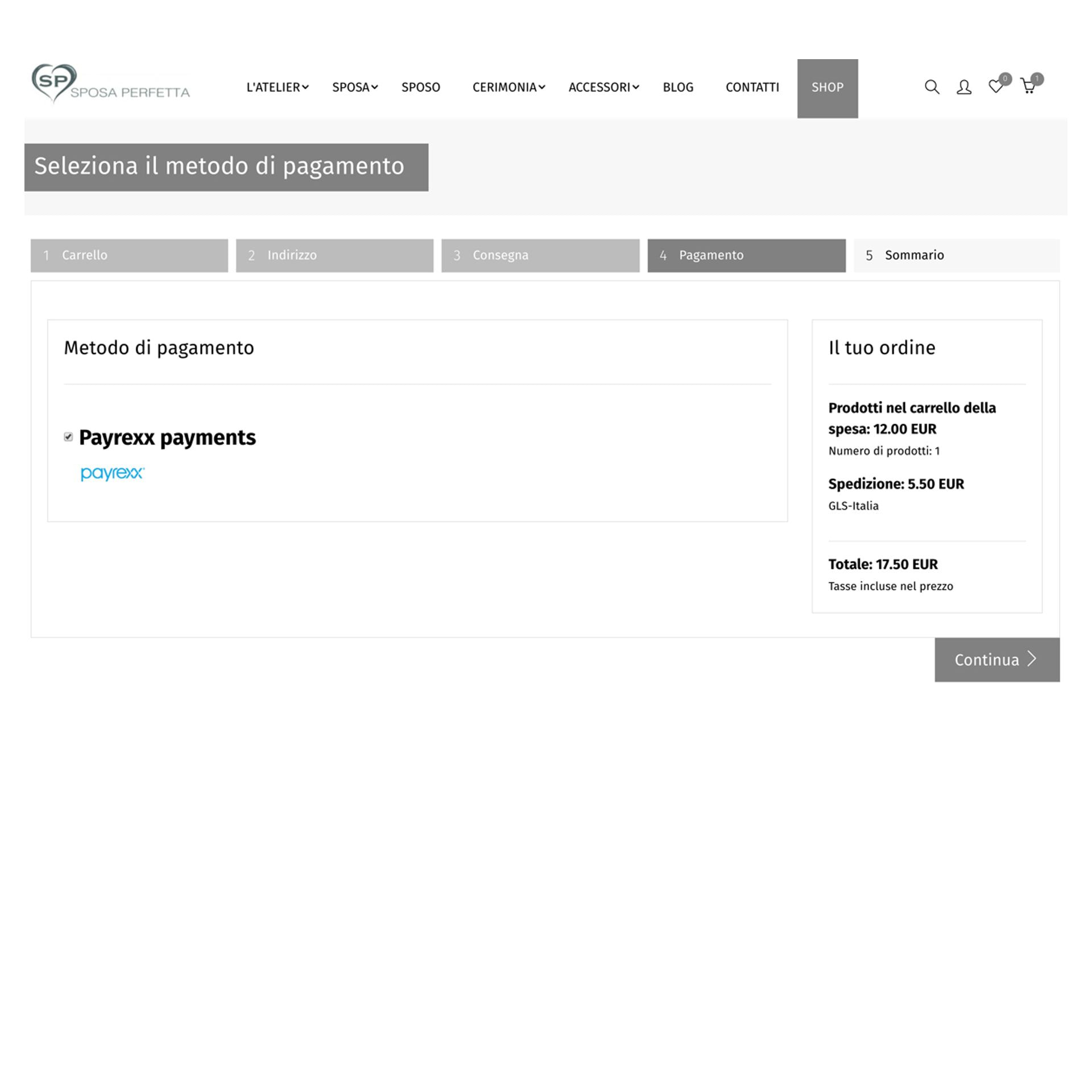
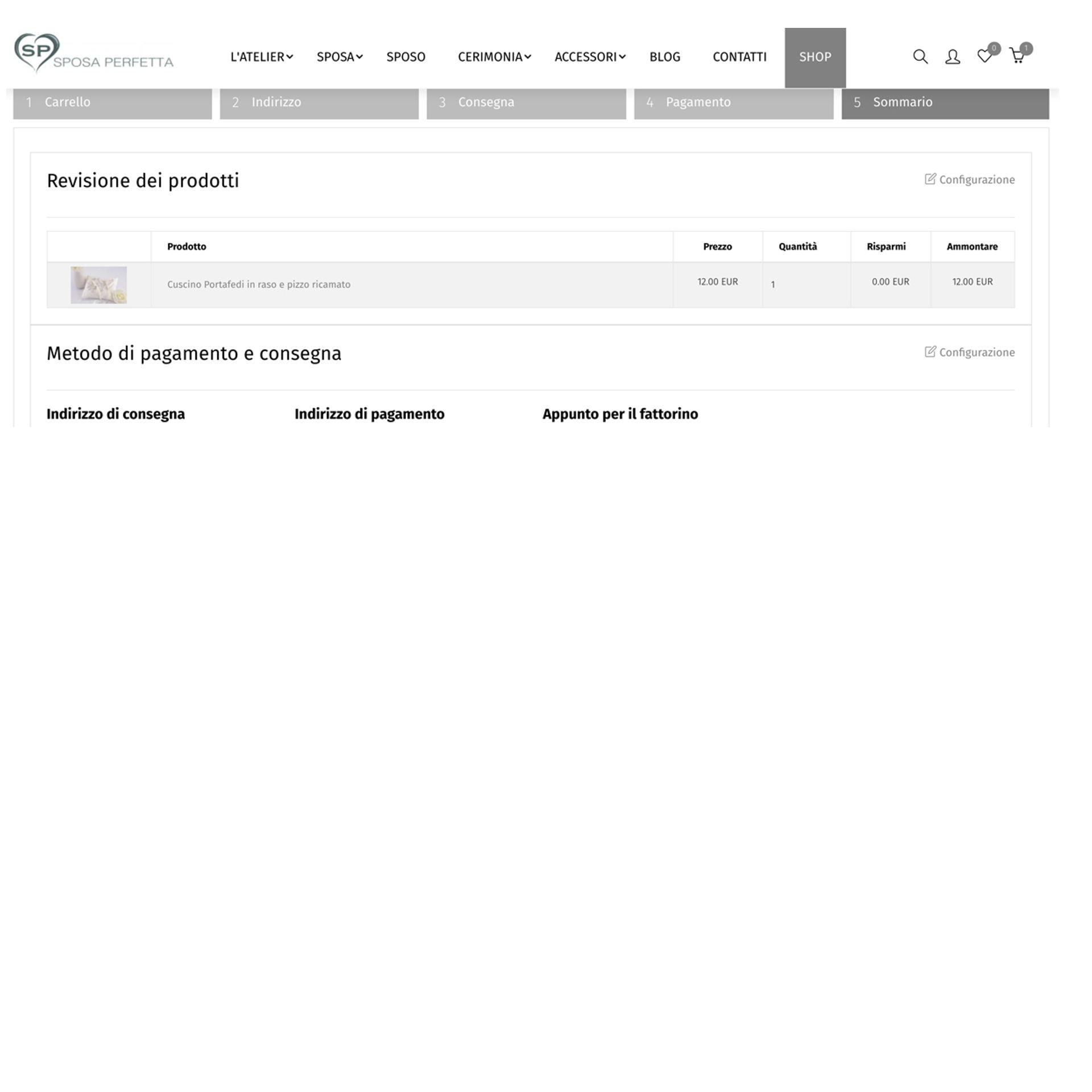
The last step before delivering is a summary of the order. Here, we can see the previously entered data and verify it:
Overview of the products we wish to order (quantity and price)
Shipping address
Shipment method
Payment method
Total amount
Review and confirmation